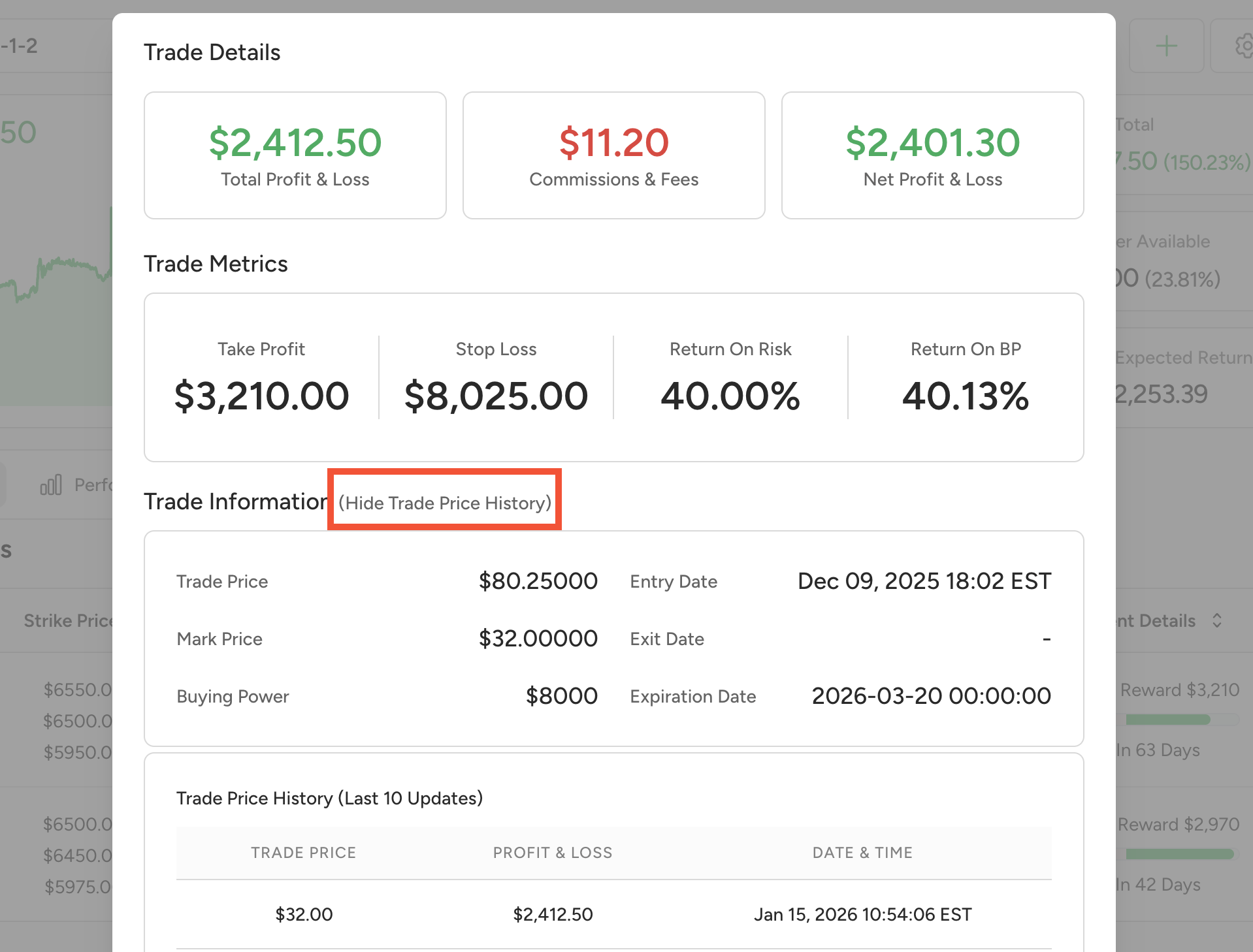
From the dashboard, click on the name of the options bot you want to review. Find the trade in either the open trades list or the closed trades list, then click the three-line menu next to the trade to open the trade details popup.
Inside the trade details popup, click the text that says See Trade Price History. This will show the full option price history so you can review how the trade moved from entry to exit.