
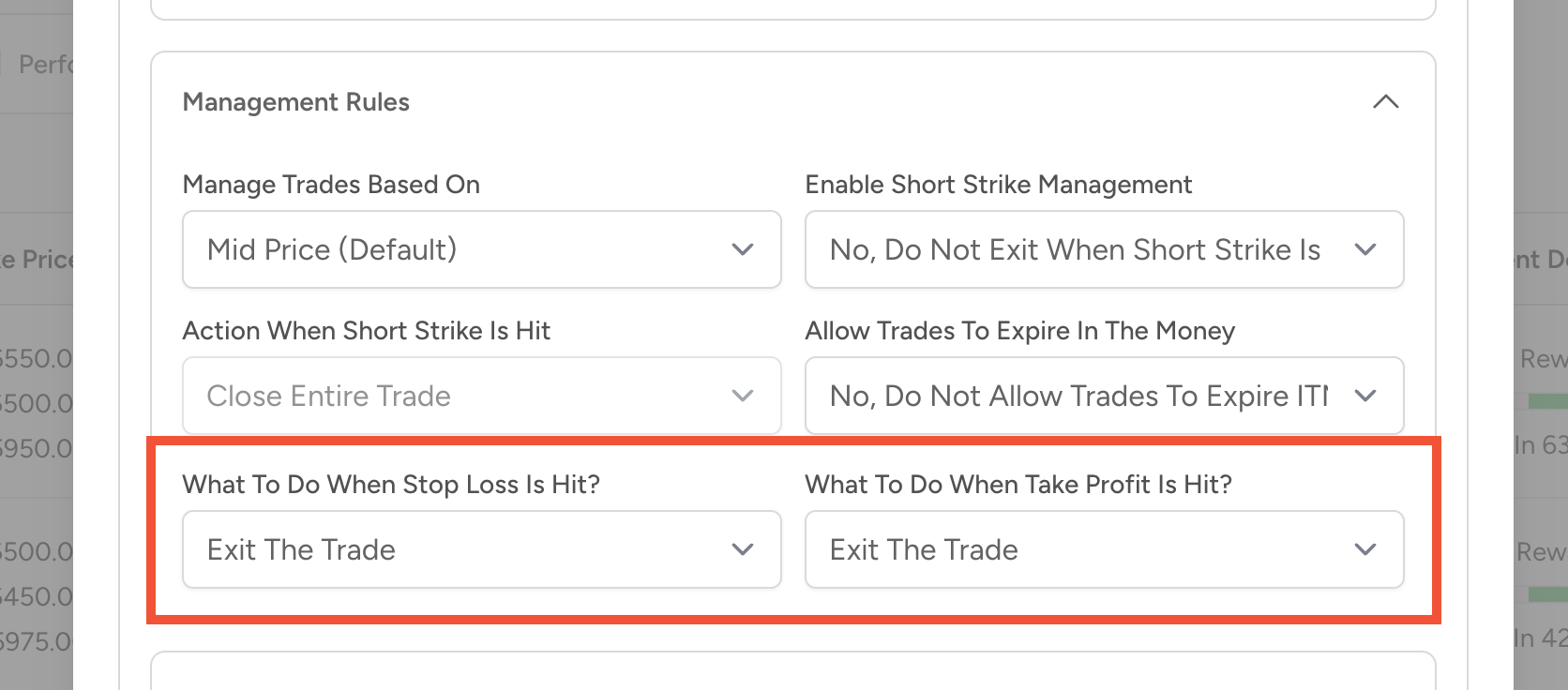
To change this setting, go to the Auto Trader page and click the gear icon in the top right corner. This opens the Options Bot settings popup. Under the Management Details section, you will see options for Action to take at take profit and Action to take at stop loss.
You can set these actions to send a notification instead of closing the trade. This is helpful if you want to stay informed when key levels are hit but prefer to let the trade continue running on its own.