
To update your notification settings, click your profile image in the top right corner and select Profile. Scroll down to the Notifications section to view your notification options.
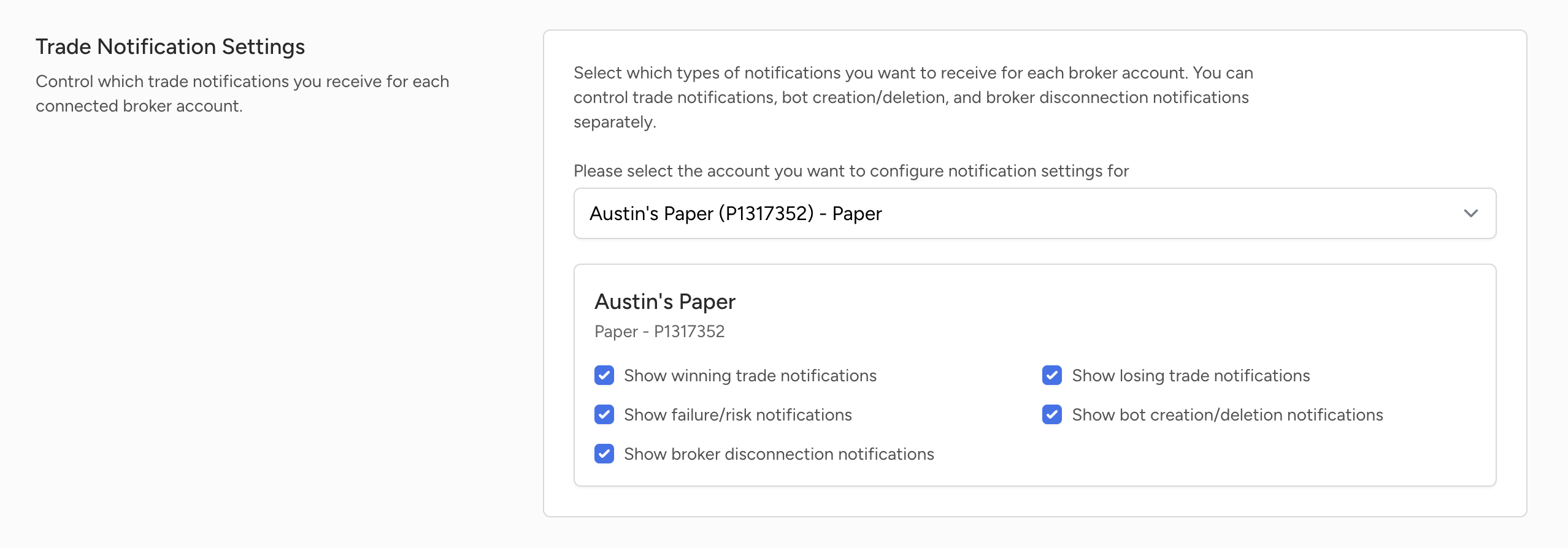
From there, you can choose any connected broker account and customize its notifications. This is helpful if you want to receive alerts from your live account but not your paper account, or the other way around.
You can turn on or off the following settings: notify about winning trades, notify about losing trades, notify about trade failures, notify about bot creation and deletion, and notify about broker disconnections.